Can I Install Starlink Myself? Pros, Cons, When to Call a Pro
By InstallPros Team · July 15, 2026 · 4 min read
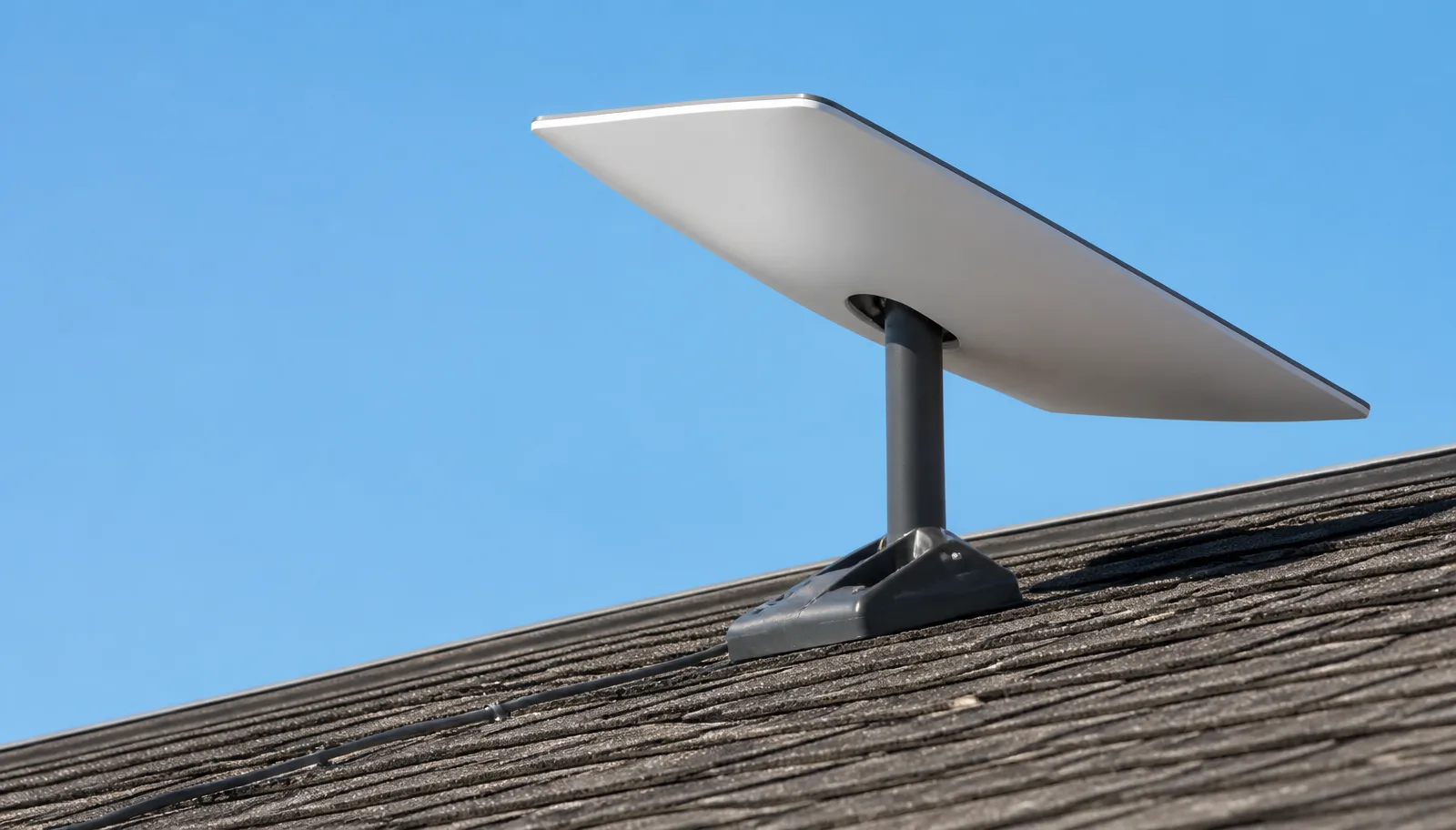
Yes, you can install Starlink yourself, and many users successfully set up their systems without professional help. However, a do-it-yourself Starlink installation comes with both advantages and disadvantages, and there are specific situations where hiring a professional installer is highly recommended for optimal performance and safety.
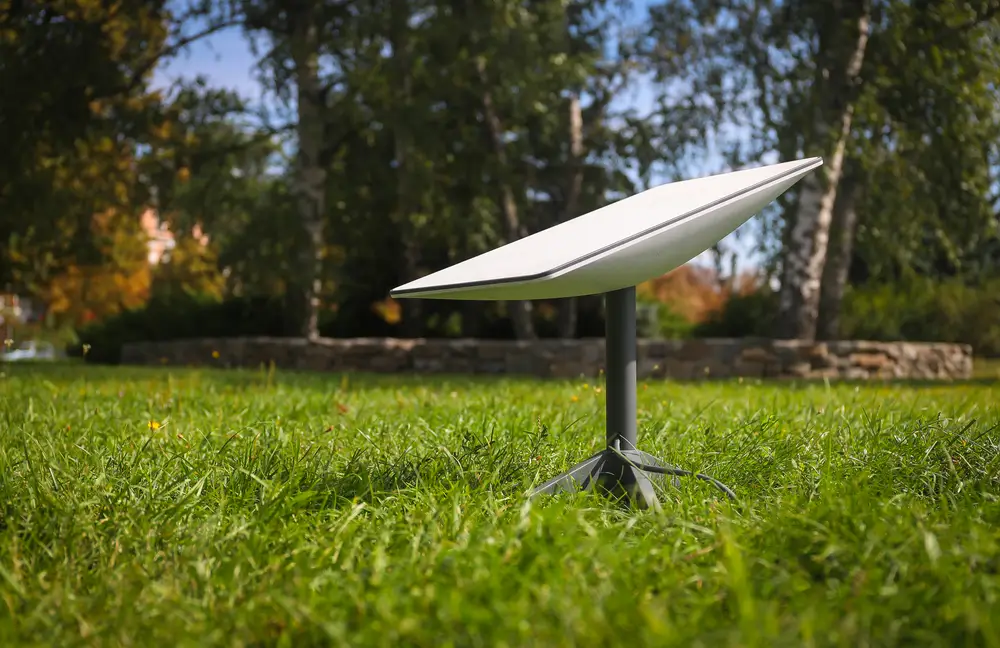
Understanding Your Starlink Kit
Before you decide whether to tackle the installation yourself, it’s helpful to understand what comes in your Starlink kit and what’s involved. Your kit typically includes the Starlink dish (often called "Dishy"), a Wi-Fi router, a power supply, and a Starlink cable. The setup is designed to be user-friendly, with clear instructions provided by Starlink. The dish needs a clear view of the sky to connect to the satellites, which means finding an unobstructed location is paramount.
The Pros of a DIY Starlink Installation
Opting for a DIY Starlink installation offers several benefits:
- Cost Savings: The most obvious advantage is avoiding the expense of professional installation fees.
- Immediate Setup: You can install your Starlink as soon as it arrives, without waiting for an appointment.
- Learning Experience: You'll gain a deeper understanding of your system and its components.
- Flexibility: You have complete control over the installation location and method, as long as it meets Starlink's requirements.
"While Starlink is designed for self-installation, careful planning is key to avoiding frustration and ensuring a strong connection."
The Cons and Challenges of DIY Starlink Installation
While appealing, self-installation also presents various challenges:
- Finding Optimal Line of Sight: This is often the biggest hurdle. Trees, buildings, and other obstructions can severely impact performance. Identifying the best spot requires patience and sometimes multiple attempts with the Starlink app's "Obstruction Checker."
- Roofline Installation Risks: Mounting on a roof can be dangerous, requiring proper safety equipment and comfort with heights. Improper installation can lead to leaks, structural damage, or the dish becoming dislodged in high winds.
- Cable Routing: Neatly and safely routing the cable from the dish to your router inside your home can be more complex than it seems. This might involve drilling through walls, sealing entry points, and protecting the cable from environmental damage.
- Tools and Materials: You might need specialized tools (e.g., drill, ladder, sealant, roof mounts) that you don't already own.
- Time Commitment: A proper DIY installation can take several hours, especially if you encounter unexpected challenges.
Practical Steps for a Successful DIY Starlink Setup
If you decide to proceed with a DIY installation, here are some practical steps to follow:
- Unbox and Familiarize: Carefully unbox your Starlink kit and read all provided instructions.
- Download the Starlink App: Use the app's "Obstruction Checker" tool to find the best possible location for your dish. Walk around your property, holding your phone where you intend to place the dish, and check for any red areas indicating obstructions.
- Temporary Setup and Testing: Before committing to a permanent mount, set up your Starlink in a temporary location that appears to have a clear view of the sky. Connect everything and ensure you
Frequently Asked Questions
How difficult is it to install Starlink yourself?
Installing Starlink yourself is generally straightforward for basic setups on the ground or a simple pole. The difficulty increases significantly when mounting on rooftops, routing cables through walls, or in areas with many obstructions. Many users find the most challenging part to be identifying a location with a completely clear view of the sky.
What tools do I need for a DIY Starlink installation?
At a minimum, you'll need the Starlink app to check for obstructions. For mounting, you might need a drill, screwdriver, ladder, basic safety gear, and potentially specific mounts for your roof or pole. Cable routing may require additional tools for drilling holes and sealing.
Can I install Starlink on my roof?
Yes, you can install Starlink on your roof, but it's often the most challenging and potentially dangerous DIY option. Proper safety measures are crucial, and you must ensure the mount is secure and waterproofed to prevent leaks. Many prefer professional roof installation for this reason.
What is the best way to mount Starlink?
The best way to mount Starlink depends on your specific property and obstruction situation. A clear view of the sky is paramount. Common methods include ground-level mounts, pole mounts, and various roof mounts. The Starlink app's obstruction checker will help guide your decision for the optimal placement.
When should I hire a professional Starlink installer?
You should consider hiring a professional installer if you're uncomfortable working at heights, if your property has significant obstructions requiring creative mounting solutions, if you need professional cable routing through walls, or if you simply prefer a guaranteed, hassle-free installation for optimal performance.