Can You Install Starlink Mini Permanently? Yes — Here's How
By InstallPros Team · July 17, 2026 · 8 min read
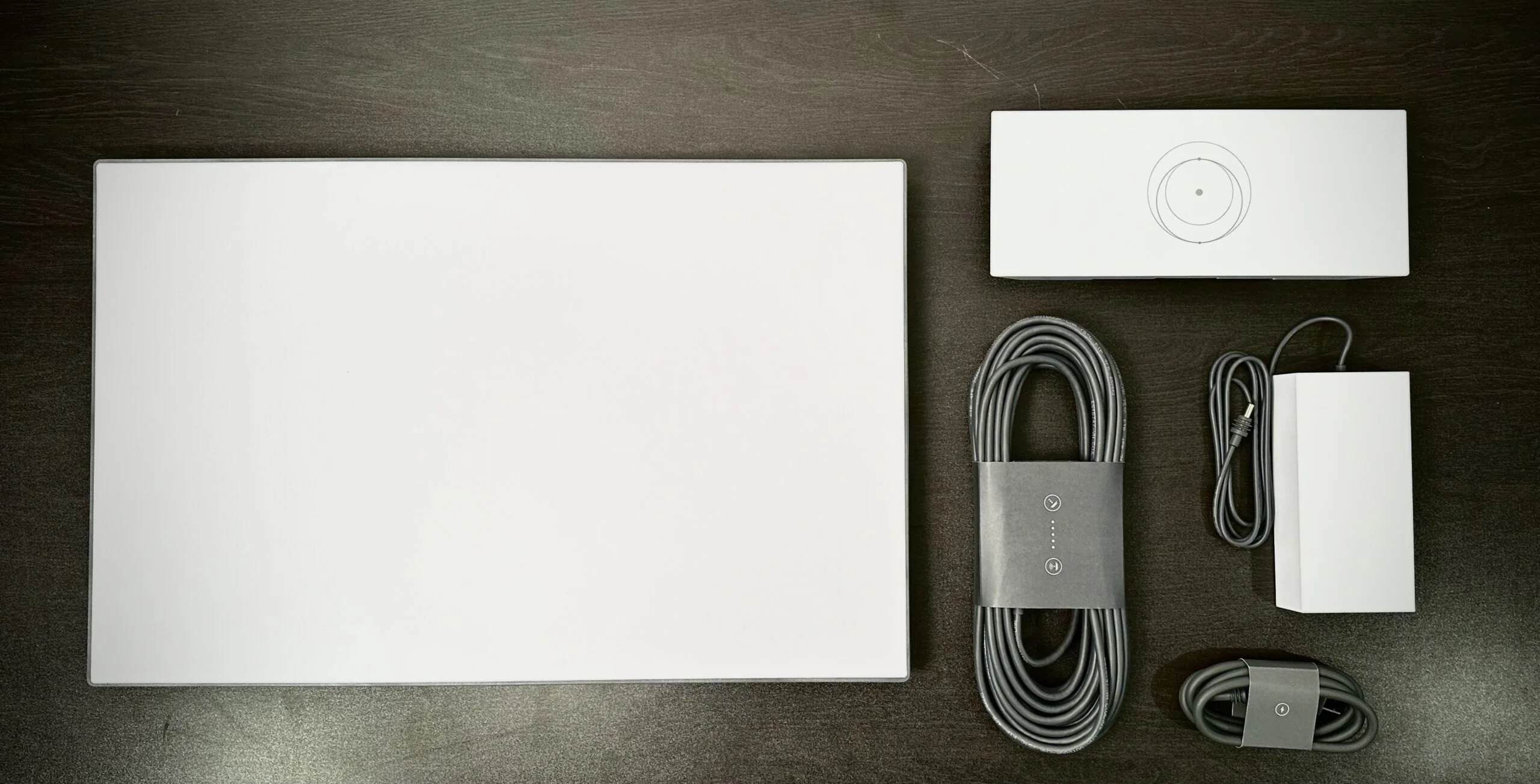
If you are asking, can you install Starlink Mini permanently, the answer is yes. Starlink Mini is portable by design, but that does not mean it has to live on a picnic table, vehicle hood, or temporary tripod. With the right mounting location, secure hardware, clean cable routing, and a reliable power plan, it can be set up as a long-term internet source for a home, cabin, RV site, job trailer, small business, barn, marina, or remote property.
The key is treating the Mini like real exterior equipment, not a gadget tossed outside when the weather looks good. Permanent installs need a solid line of sight, resistance to wind and vibration, protection from water intrusion, and a serviceable layout in case the dish or power supply ever needs attention. We install Starlink systems in all kinds of conditions, and the difference between a reliable setup and a frustrating one usually comes down to mount choice and cable work. Done correctly, Starlink Mini can be a clean, dependable permanent installation.
Can You Install Starlink Mini Permanently on a Home or Business?
Yes, you can install Starlink Mini permanently on a home or business, but the install should be planned around function first and appearance second. The dish needs an open view of the sky with minimal obstructions from trees, rooflines, chimneys, neighboring buildings, utility poles, or terrain. Even small obstructions can cause brief dropouts, especially during video calls, cloud software use, security camera uploads, and point-of-sale activity.
A permanent Starlink Mini setup usually works best on a roof edge, fascia area, exterior wall, pole, shed, detached garage, or other structure that provides height and a stable platform. The Mini does not require the same space as a larger dish, but it still needs to be mounted where it will not shift, vibrate, or collect standing water.
For homes, the goal is typically clean Wi-Fi coverage inside with a cable path that avoids leaks and exposed trip hazards. For businesses, reliability and uptime matter more, so we also look at backup power, router placement, and whether the connection needs to support multiple buildings or devices.
Choosing the Right Permanent Mount for Starlink Mini
The mount is what separates a temporary setup from a permanent one. A Starlink Mini placed on a table or short stand may work for testing, but it is not a good long-term plan in wind, rain, snow, or high-traffic areas. A permanent mount should be fastened into solid material and positioned so the dish keeps its alignment over time.
Common permanent mounting options include:
- Roof mounts for the best elevation and sky view when installed with proper flashing or sealing.
- Wall or fascia mounts when roof penetration is not ideal and the structure gives enough clearance.
- Pole mounts for cabins, farms, yards, campsites, and properties with tree or roof obstruction issues.
- RV or trailer mounts for semi-permanent locations where the unit needs strength but may be removed later.
- Outbuilding mounts when a shed, barn, or garage has the cleanest view of the sky.
Hardware matters. Exterior fasteners, corrosion-resistant brackets, and proper anchoring prevent the mount from loosening. We also avoid mounting where ice sheets, roof runoff, branches, or foot traffic can hit the dish.
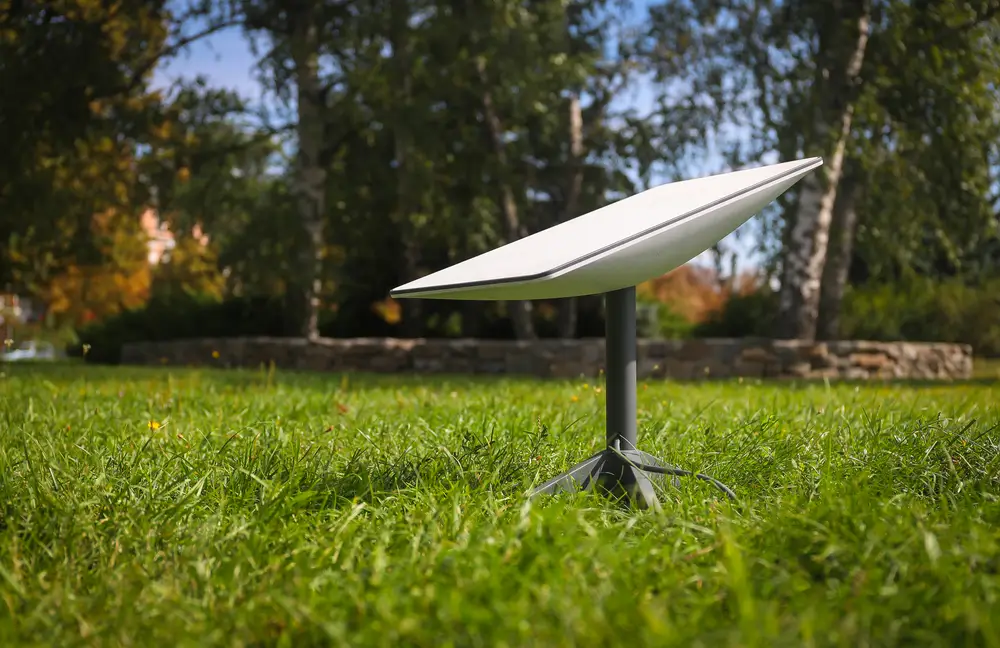
Cable Routing, Weatherproofing, and Power Planning
Permanent Starlink Mini installation is not only about where the dish sits. The cable and power setup need just as much attention. A loose cable draped across a yard, run through a cracked window, or pinched under a door may work for a weekend, but it is not dependable or safe for everyday use.
Good cable routing keeps the line protected from sharp edges, standing water, UV exposure, lawn equipment, animals, and foot traffic. On buildings, that usually means securing the cable neatly along trim, siding, soffit, or conduit and using a proper entry point where the cable passes indoors. Any wall penetration should be sealed correctly to keep out water, insects, and drafts.
Power planning depends on the location. A house or office may use a standard interior power source with the router placed for strong coverage. A remote site, RV pad, construction trailer, or off-grid cabin may need a more deliberate setup with DC power, solar, battery backup, or surge protection. Permanent does not always mean complicated, but it should be clean, protected, and serviceable.
Best Locations for a Permanent Starlink Mini Install
The best location is the one with the clearest sky view and the least installation risk. Before mounting anything permanently, we test the area and think through real-world conditions. A spot that looks good from the ground may be blocked by a tree canopy, ridge line, chimney, or nearby structure once the dish is actually aiming.
For many properties, the roof is the strongest option because it adds height and reduces obstruction problems. That said, roof installs must be done carefully. Poorly sealed penetrations can create leaks, and mounting into weak material can lead to movement over time. When possible, we use locations that allow a strong attachment and a clean cable drop.
Pole mounts are often the better answer on wooded lots, farms, lake properties, and remote cabins. A pole can move the dish away from the building and into a clearer opening. Wall mounts and fascia mounts are useful when the building already has the needed exposure.
We also consider maintenance access. A permanent install should not require dangerous climbing just to clear debris, check hardware, or replace a component later.
When Starlink Mini Is a Good Permanent Internet Option
Starlink Mini can be a strong permanent option when traditional internet is unavailable, unreliable, or too expensive to extend to the property. We see it used for rural homes, guest houses, hunting cabins, farms, food trucks, disaster recovery locations, mobile offices, security systems, and seasonal businesses that still need dependable connectivity.
It is especially useful where a compact dish makes the installation easier. Smaller size can help on tight structures, RVs, trailers, small cabins, and locations where a full-size system would be harder to position discreetly. The tradeoff is that expectations should match the setup. Obstructions, poor Wi-Fi placement, weak power, or sloppy cable routing can make any satellite internet system feel worse than it really is.
If the connection will support work-from-home use, cameras, smart devices, business operations, or multiple users, it is worth planning the full network. That may include a better router location, Ethernet adapters where applicable, mesh Wi-Fi, outdoor access points, or battery backup. The dish is only one part of a reliable internet system.
Professional Permanent Starlink Mini Installation
A DIY install can work if the site is simple, the mounting surface is safe, and the cable route is straightforward. The problems usually show up when the best signal is on a steep roof, across a long yard, on a detached building, or in a place that needs proper sealing and hardware. That is where a professional install saves time and prevents damage.
InstallPros handles permanent Starlink Mini installs for homes and businesses across the U.S. We help choose the mounting location, secure the dish, route and protect the cable, seal penetrations, and place equipment for practical indoor coverage.
A permanent install should look intentional and work reliably. No loose cables blowing in the wind, no dish sliding around after a storm, no mystery leaks around a cable hole. If you want Starlink Mini set up once and set up right, schedule a professional installation and start with a site plan that matches how you actually use the connection.
Frequently Asked Questions
Can Starlink Mini be mounted outside permanently?
Yes. Starlink Mini can be mounted outside permanently as long as it has a secure mount, clear sky view, protected cable route, and reliable power source. The dish is designed for outdoor use, but the full installation still needs to be weather-conscious. The most common mistakes are weak mounting points, exposed cables, poor sealing where the cable enters the building, and placing the dish where trees or rooflines interrupt the signal. A permanent outdoor install should be sturdy, clean, and accessible for service.
Does Starlink Mini need to be taken inside during bad weather?
In a proper permanent installation, Starlink Mini should not need to be taken inside during normal rain, wind, or snow. The important part is making sure the dish is mounted securely and the cable and power connections are protected from water, strain, and physical damage. Severe weather can affect any exterior equipment, so mount location matters. Avoid placing the dish where falling branches, sliding ice, roof runoff, or loose objects can hit it. A solid mount reduces the chance of movement and service interruptions.
What is the best mount for a permanent Starlink Mini install?
The best mount depends on the property. Roof mounts usually provide the best sky view, while pole mounts are often better for wooded lots, cabins, farms, and yards where the building is obstructed. Wall and fascia mounts can work well when they provide enough height and clearance without roof penetration. The mount should attach to solid structure, use exterior-rated hardware, and hold the dish steady in wind. The right answer is the mount that gives clear signal, strong attachment, and a safe cable path.
Can Starlink Mini be used as full-time home internet?
Yes, Starlink Mini can be used as full-time home internet in many situations, especially where cable, fiber, or reliable fixed wireless service is not available. Performance depends heavily on sky visibility, router placement, power stability, and the number of devices using the connection. If you work from home, stream, use cameras, or have a large property, you may need better Wi-Fi planning in addition to the dish installation. A permanent setup gives the Mini the best chance to perform consistently.
Should I hire a professional to install Starlink Mini permanently?
You should consider hiring a professional if the best location is on a roof, pole, detached structure, or anywhere that requires drilling, sealing, ladder work, or a long cable route. A professional installer can test for obstructions, choose the right mount, secure the dish correctly, protect the cable, and prevent water intrusion. DIY can be fine for simple ground-level setups, but permanent installs have less room for shortcuts. InstallPros provides Starlink installation for homes and businesses.