Commercial Starlink Installation Guide for 2026
By InstallPros Team · July 19, 2026 · 8 min read
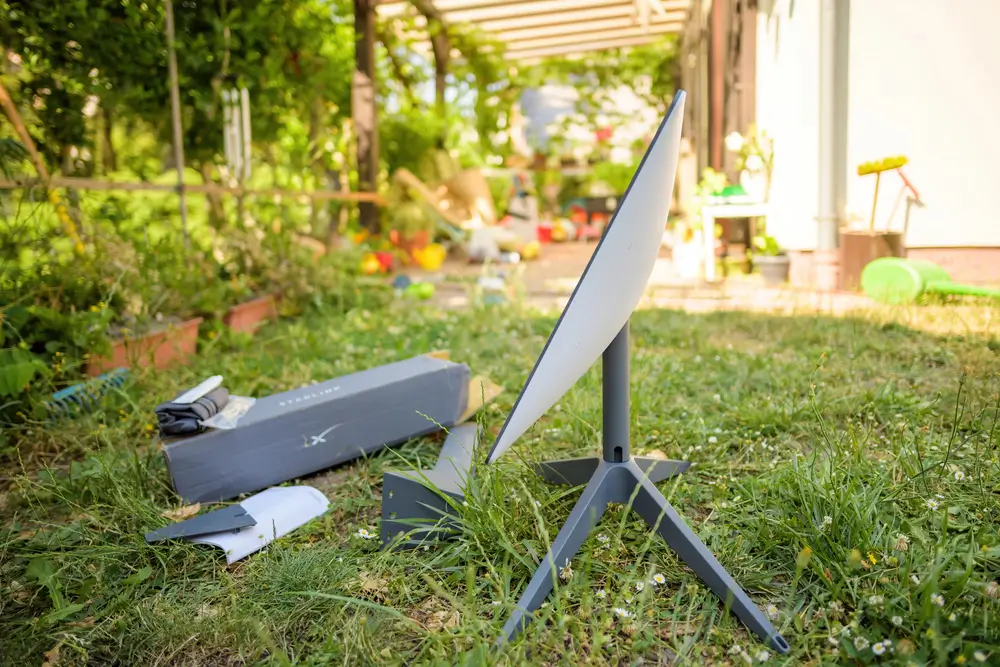
A commercial Starlink installation is not just a residential dish bolted to a bigger building. Businesses need predictable uptime, clean cabling, safe roof work, and a layout that fits how the network will actually be used. We install Starlink for offices, farms, warehouses, construction sites, retail locations, remote operations, and backup internet, and the difference between a quick setup and a dependable commercial system usually comes down to planning.
In 2026, Starlink is a serious option for companies that cannot get reliable fiber, need a secondary WAN connection, or operate in places where cable and cellular service are weak. The hardware is easier to deploy than traditional satellite internet, but commercial sites still have obstacles: parapet walls, metal roofs, trees, long cable runs, electrical noise, IT security requirements, and managers who cannot afford downtime. This guide explains what to consider before the install, where the dish should go, how to think about network integration, and when a professional installation makes sense.
Commercial Starlink Installation Planning Starts With the Site
The first step is not opening the box. It is walking the property and finding a location with a true clear view of the sky. Starlink needs a wide, unobstructed field of view, and small blockages can cause short drops that matter for payment systems, VoIP, video calls, VPNs, and remote monitoring.
On commercial properties, we check more than just trees. We look at roof height, nearby HVAC units, parapet walls, signage, grain bins, metal structures, cranes, and future construction. A dish that works from the ground during testing may perform poorly once trucks, equipment, or seasonal foliage enter the path.
A good site plan should answer these questions before mounting begins:
- Where is the best unobstructed dish location?
- How will the cable enter the building without leaks or code issues?
- Where should the Starlink power supply, router, or network handoff be located?
- Is Starlink the primary connection, failover, or temporary service?
- Who will need access to equipment after installation?
Commercial installs go smoother when facilities, IT, and ownership agree on the plan before anyone drills a hole.
Choosing the Right Mount for a Business Property
Mount selection affects performance, serviceability, and liability. For many businesses, the best location is on a roof, but that does not mean the dish should be attached wherever it is easiest. A proper mount has to handle wind, weather, roof material, and long-term maintenance.
We commonly see commercial Starlink systems installed on flat roofs, pitched metal roofs, pole mounts, wall mounts, and non-penetrating ballast mounts. A non-penetrating mount can be a good option on flat roofs when roof warranty concerns are high, but it still needs correct ballast and placement. Penetrating mounts may be stronger in some situations, but they require proper flashing and sealing.
For construction trailers, remote shops, and agricultural buildings, pole mounting often gives the best line of sight and keeps the dish away from foot traffic and equipment. On storefronts and offices, cable routing and appearance may matter more, especially where customers or landlords will see the installation.
The goal is simple: mount the dish where it has clear sky, will not move, will not damage the building, and can be serviced without creating a safety problem.
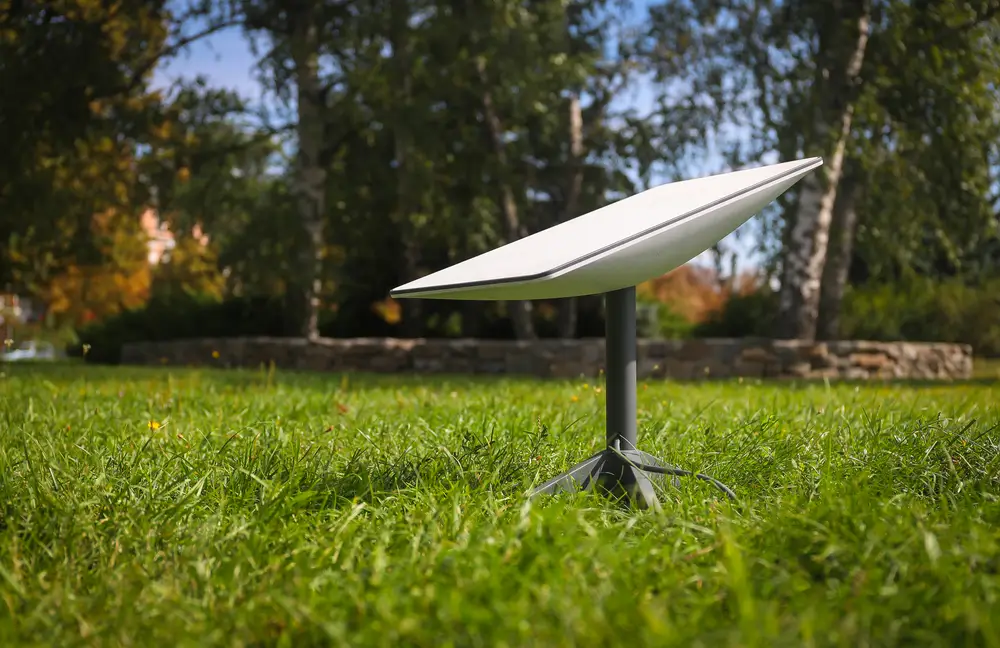
Cabling, Weatherproofing, and Network Handoff
Most commercial problems we are called to fix are not caused by the satellite service itself. They come from poor cable routing, exposed connectors, pinched cable, bad penetrations, or equipment placed in the wrong room. Starlink cable should be protected from sharp edges, standing water, foot traffic, snow sliding off roofs, and damage from maintenance crews.
Clean exterior routing matters. On metal buildings, cable should be secured so it does not flap in wind or rub against panels. On flat roofs, it should not sit in drains or create a trip hazard. Any wall or roof penetration should be sealed correctly and routed with a drip loop where appropriate.
Inside the building, the handoff depends on the business network. Some small offices use the Starlink router directly. Many commercial sites connect Starlink into an existing firewall, SD-WAN appliance, router, or failover system. That may require bypass mode, Ethernet adapters depending on the hardware, static routing decisions, or coordination with an IT provider.
A neat install is not just about looks. It reduces service calls, protects the building, and makes troubleshooting much faster when something needs attention.
Using Starlink as Primary Internet or Backup WAN
Starlink can be used as a primary internet connection, but many businesses use it as backup WAN. That is especially common where fiber is available but outages are expensive, or where a cable provider has had reliability issues. Restaurants, clinics, retail counters, farms, warehouses, and remote offices often need transactions, phones, cameras, and cloud systems to stay online even when the main circuit fails.
The right setup depends on the tolerance for downtime. A basic business may manually switch networks if the main service goes down. A more critical site should use a firewall or router that supports automatic failover. Some locations also use load balancing, sending traffic across more than one connection based on priority or availability.
It is important to test failover after installation. Do not wait for a storm or fiber cut to find out that the firewall rule is wrong or the point-of-sale system is locked to one WAN. We like to verify the connection, run obstruction checks, test speeds, confirm cable status, and document where equipment is installed.
Starlink is most valuable commercially when the network design matches the business risk.
Common Commercial Starlink Use Cases in 2026
Commercial Starlink is being used in more places every year because many operations cannot wait for a wired provider to expand service. We install it for businesses that need permanent internet, temporary connectivity, or an independent backup path.
Common use cases include rural offices, farms, ranches, construction sites, oil and gas support yards, marinas, campgrounds, warehouses, field offices, and emergency operations. It is also useful for businesses opening a new location before the fiber circuit is ready. In those cases, Starlink can keep hiring, training, payment processing, and security systems moving while the permanent circuit is delayed.
For mobile or temporary sites, mounting and cable protection become even more important. A dish sitting loose on a trailer roof might work for a day, but it is not a commercial-grade deployment. Wind, theft, cable damage, and repeated moves can turn a simple setup into an ongoing headache.
For multi-building properties, Starlink may feed the main network and then be distributed using existing fiber, point-to-point wireless, or structured cabling. That planning should happen before the dish is mounted, not after.
When to Hire a Professional Commercial Starlink Installer
A small business with a clear yard and basic Wi-Fi needs may be able to test Starlink on its own. But commercial properties usually involve roof access, longer cable paths, building penetrations, landlord requirements, and integration with existing network gear. That is where a professional installer saves time and prevents avoidable problems.
InstallPros handles Starlink installs for businesses that need the dish mounted correctly, cable routed cleanly, and the system positioned for reliable service. We also help identify obstructions before permanent mounting, which is much easier than moving a dish after holes are drilled or conduit is installed.
Professional installation is especially recommended when the dish must go on a roof, when the business needs failover, when the building has metal construction, or when uptime matters. A good installer should think like both a roofer and a network technician: keep water out, keep the mount stable, protect the cable, and deliver the connection where IT needs it.
If you want the system installed once and installed correctly, InstallPros offers
Frequently Asked Questions
Is Starlink good enough for business internet?
Starlink can be a strong business internet option, especially where fiber, cable, or cellular service is unreliable or unavailable. It is also useful as a backup connection for businesses that cannot afford to lose payment processing, phones, cameras, or cloud access. Performance depends heavily on having a clear sky view and a solid installation. If the dish has obstructions or the cable is poorly routed, reliability can suffer. For critical operations, Starlink is often best paired with a firewall or router that supports automatic failover.
Where should Starlink be mounted on a commercial building?
The best mounting location is the place with the clearest sky view, stable structure, safe access, and practical cable route to the network equipment. On commercial buildings, that may be a flat roof, parapet mount, pole, wall mount, or non-penetrating ballast mount. The right choice depends on roof type, wind exposure, obstructions, maintenance access, and landlord or warranty requirements. Avoid placing the dish near HVAC units, signage, roof drains, or areas where workers may step on the cable.
Can Starlink connect to an existing business network?
Yes. Starlink can often be connected to an existing business network, firewall, router, or failover appliance. The exact setup depends on the Starlink hardware version and the network design. Some sites use the Starlink router directly, while others place Starlink into bypass mode and hand the connection to a business-grade firewall. For companies with IT support, the installer should coordinate the physical handoff location and confirm how the connection will be tested after installation.
Can a business use Starlink as backup internet?
Yes, and backup internet is one of the most common commercial uses for Starlink. A business can connect Starlink to a router or firewall that automatically switches traffic when the primary internet service fails. This helps keep point-of-sale systems, phones, VPN access, cameras, and cloud software online during outages. The key is testing the failover before it is needed. A backup circuit is only useful if the network equipment is configured correctly and staff know what to expect during an outage.
Do commercial Starlink installations require roof penetrations?
Not always. Some commercial installations use non-penetrating roof mounts, pole mounts, or wall mounts that avoid roof penetrations. In other cases, a penetrating mount is the safest and most stable option, especially in high-wind areas or on certain structures. If a penetration is needed, it must be flashed and sealed correctly to protect the building. The decision should consider roof warranty, wind exposure, dish location, cable routing, and long-term service access.