How to Install Starlink for Business: Commercial Setup Guide
By InstallPros Team · July 18, 2026 · 8 min read
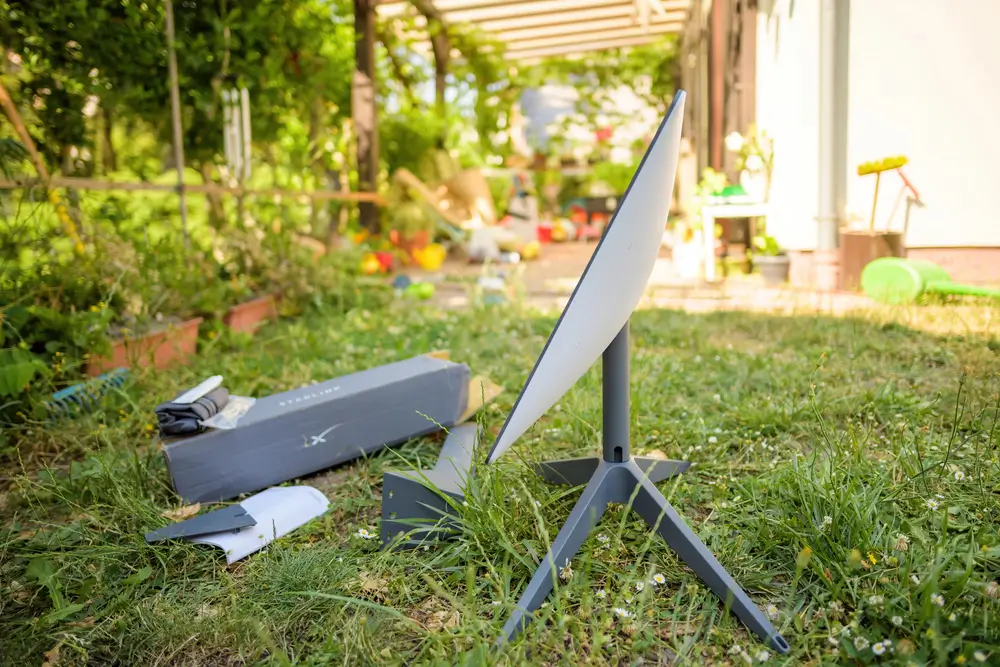
If you are researching how to install Starlink for business, the biggest thing to understand is that a commercial setup is not just a dish on a roof. Businesses need a clear view of the sky, a secure mount, protected cable routing, proper network handoff, and a plan for uptime. We install Starlink for offices, shops, farms, job sites, warehouses, restaurants, and remote facilities, and the difference between a quick temporary setup and a dependable business install is usually in the details. Starlink can be an excellent primary internet option in areas with poor wired service, or a strong backup connection for companies that cannot afford downtime. The right installation depends on your building, roof type, obstructions, existing network equipment, and how many users or systems will depend on the connection. This guide walks through the practical steps to plan and install Starlink Business the right way.
How to Install Starlink for Business: Start With a Site Survey
A business Starlink installation should start with a real site survey. The dish needs a wide, unobstructed view of the sky, and that requirement is stricter than many people expect. Trees, rooflines, parapet walls, signs, HVAC units, grain bins, and nearby buildings can all cause brief drops that show up as slow calls, failed payments, or frozen cloud apps.
Before mounting anything, check several possible dish locations. On commercial properties, the best location is often not the easiest one. A low roof edge may be convenient, but a higher roof section, pole, or wall-mounted mast may deliver a much cleaner signal.
During a survey, look at:
- North-facing sky exposure in most U.S. locations
- Tree growth that may become a problem later
- Roof access and technician safety
- Distance from dish to network room or router location
- Places where cable can be protected from weather and traffic
For businesses, we also confirm where the internet needs to land. The dish location and the network handoff point are both part of the same plan.
Choose the Right Mount for a Commercial Starlink Setup
The mount is what separates a clean commercial install from a setup that needs attention after the first storm. Starlink hardware must stay rigid, level, and secure. Movement can affect performance, and a loose or improvised mount can create roof damage, safety issues, or repeated service calls.
Common business mounting options include roof mounts, wall mounts, non-penetrating ballast mounts, pole mounts, and custom mast solutions. The right choice depends on the structure. A metal building, flat membrane roof, brick exterior, and wood-framed office all require different hardware and sealing methods.
We avoid mounting through roofing unless the location and flashing method make sense. On flat commercial roofs, a non-penetrating mount can be a good option when properly weighted and placed away from drainage paths. On rural properties, a pole mount may be better if trees or buildings block the roofline.
Wind exposure matters. A dish on an open warehouse roof or coastal property sees more force than one on a protected storefront. The goal is simple: place the dish where it sees the sky and keep it there for years.
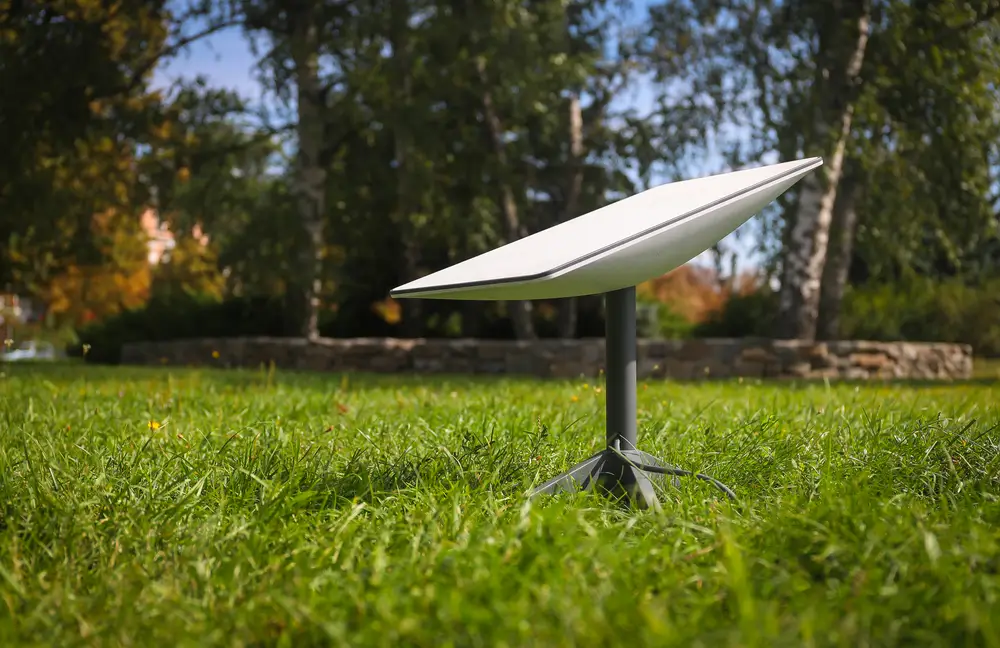
Plan Cable Routing, Weatherproofing, and Building Entry
Cable routing is one of the most important parts of a professional Starlink Business install. The cable should not be stretched across a roof, pinched under a door, hanging loose on siding, or exposed where employees, forklifts, ladders, or animals can damage it. A business connection needs a route that is neat, serviceable, and protected.
Good cable planning starts at the dish and follows the safest path to the router, network rack, or firewall. On many commercial jobs, that means using exterior-rated conduit, drip loops, proper fastening, and a sealed wall penetration. Every entry point should be weatherproofed correctly to prevent leaks, insects, and long-term building damage.
Distance also matters. If the ideal dish location is far from the network room, the route should be planned before mounting. Sometimes the cleanest solution is to bring the cable into a utility space and extend the network from there using existing structured cabling.
Do not treat the cable as an afterthought. A strong signal at the dish will not help if the cable is damaged, poorly routed, or exposed to avoidable wear.
Connect Starlink to Your Business Network
Once the dish is mounted and cabled, the next step is connecting Starlink to the business network. For a small office or shop, the Starlink router may be enough for basic Wi-Fi. For most businesses, Starlink should connect into an existing firewall, router, switch, or managed Wi-Fi system.
This is where the installation becomes more than physical mounting. Businesses often need secure internal networks, guest Wi-Fi, point-of-sale systems, cameras, VoIP phones, cloud software, and remote access. Starlink can support those needs, but the handoff should be planned so the network remains organized.
Common commercial configurations include:
- Starlink as the primary internet connection
- Starlink as a backup connection behind a firewall
- Starlink feeding a job-site trailer or temporary office
- Starlink connected to a mesh or managed Wi-Fi system
- Starlink supporting cameras, payment systems, or remote monitoring
If your business already has IT equipment, coordinate the install with your IT provider or have the installer place the Starlink connection exactly where the network team needs it.
Use Starlink as Primary Internet or Backup Failover
Many businesses use Starlink as their main internet service because cable, DSL, or fixed wireless is too slow or unavailable. In those cases, installation quality directly affects daily operations. Video meetings, inventory systems, online ordering, customer Wi-Fi, cloud accounting, and payment processing all depend on a stable connection.
Starlink is also a strong backup connection for businesses with fiber, cable, or fixed wireless already in place. A failover setup allows the network to switch to Starlink if the primary provider goes down. That can keep credit card terminals, phones, dispatch systems, and cloud apps running during an outage.
For failover, the Starlink connection usually feeds a dual-WAN router or firewall. The settings determine whether Starlink stays on standby or shares traffic with the primary connection. Some businesses want automatic failover only; others want load balancing for extra capacity.
The important part is testing. Do not wait for an outage to find out whether failover works. After installation, disconnect the primary circuit and confirm that critical systems continue operating through Starlink.
When to Hire a Professional Starlink Business Installer
Some temporary business setups are simple. If you are running a short-term field office with an open sky and easy access, you may be able to set up Starlink on a portable stand. Permanent business installations are different. Roof safety, wind exposure, cable protection, waterproofing, and network integration all matter.
A professional installer helps avoid common problems: mounting in a partially obstructed location, using the wrong hardware, creating roof leaks, routing cable where it will be damaged, or leaving the router in a poor location. Those mistakes cost more when employees and customers depend on the connection.
InstallPros handles commercial Starlink installations for businesses that want the system installed cleanly the first time. Installs are available, with the final scope depending on the building, mount type, cable path, and network requirements.
If your business relies on internet access for sales, operations, security, or communications, treat Starlink like any other critical utility. A planned installation gives you better reliability, easier service, and a cleaner setup for long-term use.
Frequently Asked Questions
Can Starlink be used for a business?
Yes. Starlink can be used for many business locations, including offices, farms, warehouses, restaurants, construction sites, retail stores, and remote facilities. It is often used where wired internet is slow, unavailable, or unreliable. Businesses also use Starlink as a backup connection for outages. The key is installing it with a clear sky view, secure mounting, protected cable routing, and the right network connection. A business setup should be planned around the systems that depend on it, such as point-of-sale terminals, phones, cameras, and cloud software.
Do I need a professional to install Starlink Business?
You do not always need a professional, especially for temporary setups with open sky and simple Wi-Fi needs. For permanent business installations, a professional is usually the safer choice. Commercial installs often involve roof access, long cable routes, wall penetrations, weatherproofing, and connection to existing network equipment. A poor install can cause outages, leaks, cable damage, or weak performance. If your business depends on the connection for payments, communications, or operations, professional installation is a smart investment.
Where should Starlink be mounted on a commercial building?
Starlink should be mounted where it has the clearest possible view of the sky and can remain secure in wind and weather. On commercial buildings, that may be a flat roof, parapet wall, exterior wall, pole, or non-penetrating roof mount. The best location also depends on cable routing and how the connection will reach the router or network room. Avoid spots blocked by trees, HVAC units, signs, roof structures, or nearby buildings. The easiest mounting location is not always the best performing one.
Can Starlink connect to my existing business router or firewall?
Yes. Starlink can often be integrated with an existing business router, firewall, switch, or managed Wi-Fi system. This is common for companies that need guest Wi-Fi, secure office networks, cameras, VoIP phones, or point-of-sale systems. Many businesses use Starlink as either the main WAN connection or a backup WAN connection. The exact setup depends on your hardware and network design. If you have an IT provider, the installer should coordinate the physical handoff location and confirm how Starlink will be connected.
Is Starlink good as backup internet for a business?
Starlink can be a very useful backup internet option for businesses, especially where outages from cable, fiber, or fixed wireless cause lost sales or downtime. When connected to a dual-WAN router or firewall, Starlink can take over if the primary internet connection fails. This can keep payment systems, phones, cloud apps, and security systems online. The backup setup should be tested after installation by simulating a primary outage. That confirms the business can actually fail over when it matters.