Starlink Installer vs Traditional Satellite Dish Installer: What's Different?
By InstallPros Team · July 23, 2026 · 8 min read
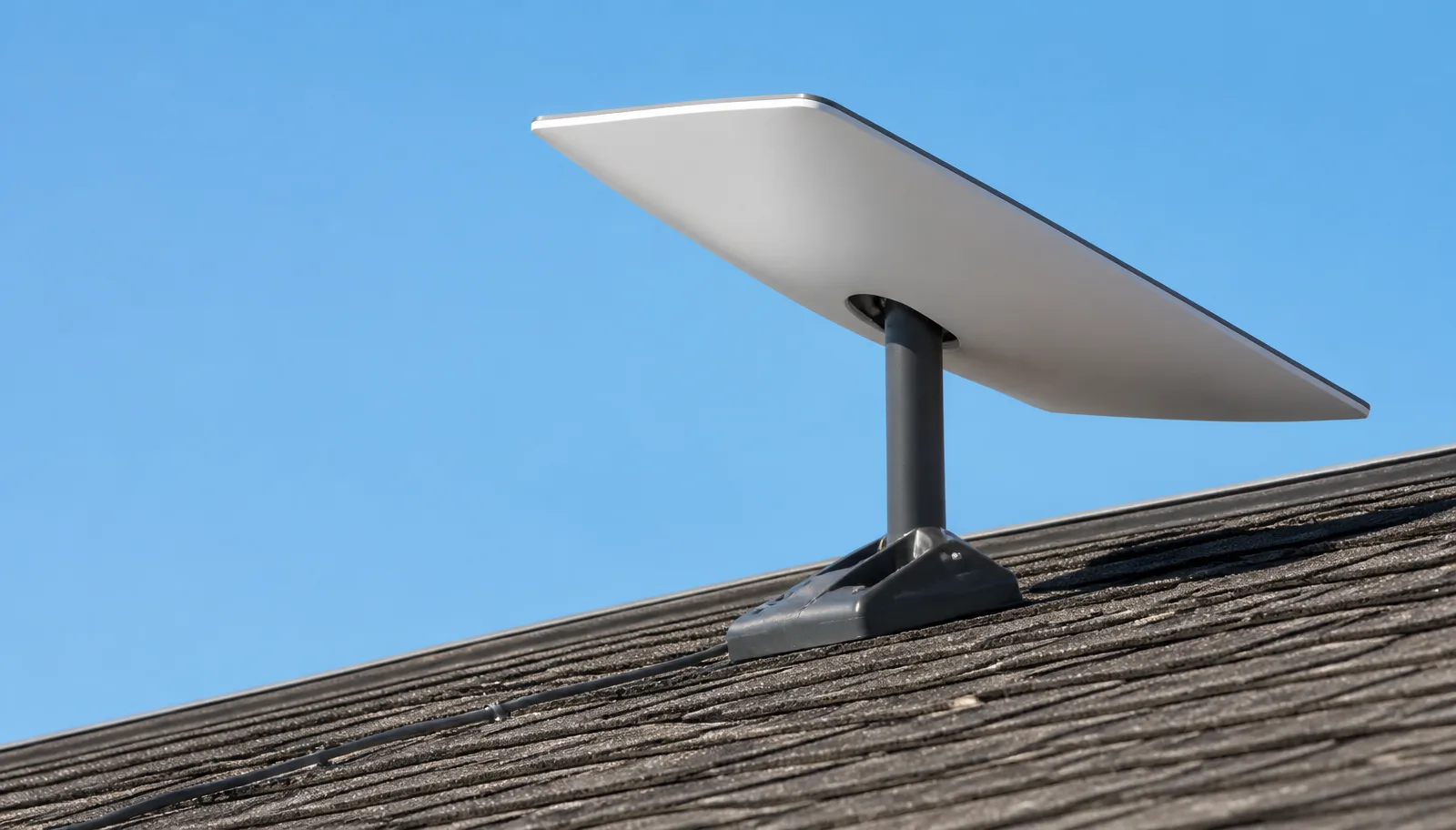
If you are comparing a Starlink installer vs satellite dish installer, the biggest difference is what the equipment is built to do. A traditional satellite TV dish points at one fixed satellite position and mainly needs a clear line in one direction. Starlink uses a phased-array antenna that talks to a moving network of low-earth-orbit satellites, so the mount location, obstruction testing, cable routing, grounding, and network setup all matter in a different way.
We get called often after a homeowner asks a regular dish installer to “just mount it where the old dish was.” Sometimes that works. Often it does not. Starlink needs a wide, clean view of the sky, careful cable handling, and a setup that supports internet performance inside the house or business. This guide explains what is actually different in the field, why the old satellite TV playbook can cause problems, and what to look for when hiring someone to install Starlink correctly the first time.
Starlink Installer vs Satellite Dish Installer: The Core Difference
A traditional satellite dish installer is usually aiming a reflector at a known orbital slot. Once the dish is mounted, they fine-tune azimuth, elevation, and skew until the receiver sees strong signal. The dish normally stays pointed at that fixed location for years.
Starlink is not aimed the same way. The antenna electronically steers its signal and communicates with satellites moving overhead. The installer’s job is less about peaking one signal meter and more about finding a location with enough open sky for the system to maintain a stable connection throughout the day.
That changes the whole site survey. A good Starlink installer checks:
- Tree lines in multiple directions, not just south or southwest
- Roof ridges, chimneys, dormers, and nearby buildings
- Safe cable path from the dish to the router location
- Mount strength in wind, snow, and heat
- WiFi coverage needs inside the property
In short, satellite TV installation is mostly about signal alignment. Starlink installation is about sky visibility, weatherproof mounting, cable protection, and network performance working together.
Why the Old Dish Location Is Often the Wrong Starlink Location
Many homes already have an old satellite TV mount on the fascia, roof edge, or chimney. It is tempting to reuse it because it is already there. Sometimes we can adapt an existing location, but we never assume it is right for Starlink without testing.
Older dish locations were chosen for a narrow view toward a geostationary satellite. That spot may be tucked under trees, close to a roofline, or pointed through a small opening. Starlink needs a much wider field of view. Even small obstructions can create short outages, video call drops, gaming lag, or buffering during peak use.
The mount itself may also be a problem. A bracket that held a lightweight TV dish for years may not be positioned or secured well enough for a Starlink antenna and cable route. We look at fasteners, sealing, roof material, wind exposure, and whether the mast can stay rigid.
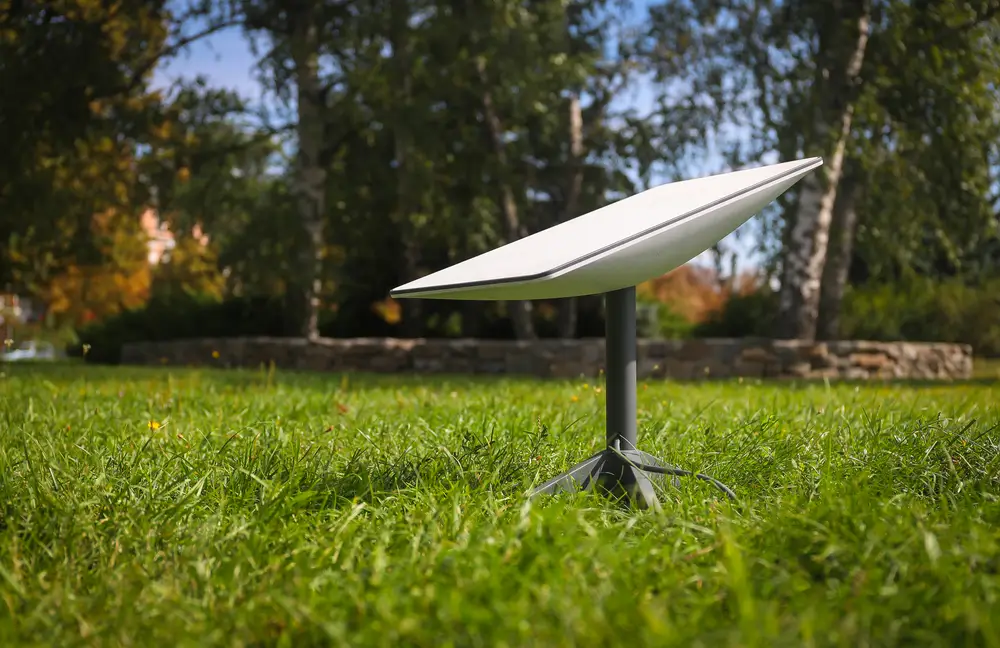
Reusing the old location can save time only when it passes the obstruction check and structural check. If it does not, the better install is usually a higher roof plane, ridge mount, wall mount, pole mount, or another clear-sky position.
Cable Routing, Weatherproofing, and Power Are Different
With satellite TV, the installer typically runs coaxial cable to a receiver or distribution point. Starlink uses its own cable system and depends on clean power and data between the antenna and router. That cable should not be kinked, crushed, sharply bent, stapled, or left exposed where it can rub against shingles or siding.
A professional Starlink installer plans the cable route before drilling. We look for the shortest practical path that avoids trip hazards, roof abrasion, gutters, hot attic areas where possible, and places where animals or yard tools can damage the line. Penetrations need to be sealed properly for the surface: asphalt shingle, metal roof, stucco, brick, wood siding, or commercial wall panels.
Weatherproofing matters because Starlink is usually installed in exposed locations. Water intrusion from a bad cable entry can cost far more than the installation itself. The mount should be flashed or sealed correctly, and exterior cable should be secured with UV-rated clips or conduit where needed.
Power is also part of the conversation. The router location needs an outlet and should be placed where WiFi can actually serve the home, office, shop, or equipment room.
Starlink Installation Includes Network Planning, Not Just Mounting
A traditional satellite dish installer often finishes when the receiver shows a picture. With Starlink, a successful install is not finished just because the antenna is online. The internet has to work where people need it.
For a small single-story home, the standard router location may be fine. For larger homes, metal buildings, detached offices, barns, RV pads, restaurants, farms, and small businesses, router placement and coverage planning are critical. Thick walls, foil-backed insulation, masonry, metal siding, and long floor plans can reduce WiFi fast.
On many jobs, we discuss options such as mesh placement, Ethernet adapters, business network handoff, conduit routes, or getting the Starlink connection to a structured media panel. We also verify the app setup, basic speed, obstruction status, and customer device connection before wrapping up.
This is where a Starlink-specific installer brings value. The mount on the roof is only half the job. The other half is making sure the service supports streaming, work-from-home calls, point-of-sale systems, cameras, farm equipment, guest WiFi, or whatever the property actually depends on.
What to Ask Before Hiring an Installer
Before hiring anyone, ask how many Starlink systems they have installed and what types of mounts they carry. A good answer should include roof mounts, wall mounts, pole mounts, ridge or non-penetrating options where appropriate, and a clear process for obstruction testing.
Ask how they handle roof penetrations and cable entries. You want someone who can explain sealing methods in plain language and who understands different surfaces. “We’ll just drill it and caulk it” is not a strong plan, especially on metal roofs, tile roofs, flat roofs, brick, or stucco.
You should also ask whether they help with router placement and activation. Some installers only mount the dish and leave the rest to you. InstallPros handles the installation as a complete working system.
Good questions include:
- Will you check obstructions before choosing the mount location?
- How will the cable be protected outside?
- Where will the router be placed?
- Do you install on my roof type or building type?
- What happens if the old dish location is obstructed?
When a Traditional Dish Installer May Not Be Enough
Some traditional satellite dish installers are careful, experienced tradespeople. The issue is not whether they can use a ladder or mount a bracket. The issue is whether they understand Starlink’s requirements well enough to avoid performance problems that do not show up until later.
If your property has trees, multiple buildings, a steep roof, metal construction, a long cable path, or business-critical internet needs, you should use an installer who works with Starlink regularly. The same applies if you need a pole mount, custom route, high roof placement, or help extending coverage beyond the main house.
We have corrected many installs where the dish was placed too low, the cable was pinched under a window, the router was put in a poor location, or the roof entry was not sealed properly. Those mistakes are avoidable with the right site survey and equipment.
Starlink can perform very well when it has clear sky and a clean installation. Hiring a Starlink installer is about protecting that performance and avoiding unnecessary callbacks, leaks, cable damage, and weak WiFi after the truck leaves.
Frequently Asked Questions
Can a regular satellite dish installer install Starlink?
Some regular satellite dish installers can physically mount a Starlink antenna, but that does not mean they are the best fit. Starlink requires a wide obstruction-free sky view, careful cable handling, app-based setup, and router placement planning. Traditional satellite TV work is usually based on pointing at one fixed satellite. If the installer does not understand Starlink’s obstruction requirements and network setup, you may end up with dropouts, poor WiFi, or a mount location that should have been avoided.
Can Starlink use my old satellite dish mount?
Sometimes, but it should be tested first. Old satellite dish mounts were usually installed for a narrow view toward a fixed TV satellite, not the wide sky view Starlink needs. The location may be blocked by trees, rooflines, chimneys, or nearby buildings. The mount also needs to be structurally sound and compatible with the Starlink hardware. A professional installer will check obstructions, mount strength, cable routing, and weather sealing before deciding whether reuse makes sense.
Why does Starlink need a clearer view than satellite TV?
Satellite TV dishes generally point at one geostationary satellite position, so they only need a clean path in that direction. Starlink connects to low-earth-orbit satellites that move across the sky. Because the satellites are constantly changing, the antenna needs a broad open view to maintain a steady connection. Trees, branches, roof peaks, and nearby structures can cause brief interruptions. Those interruptions are most noticeable during video calls, online gaming, VPN use, and live streaming.
Does Starlink installation include setting up WiFi?
A proper Starlink installation should include more than mounting the antenna. The router needs to be placed where it can provide useful coverage, and the system should be activated and checked before the installer leaves. Larger homes, metal buildings, offices, farms, and shops may need additional network planning. That can include mesh nodes, Ethernet handoff, or a better router location. InstallPros treats the installation as a working internet system, not just hardware on a roof.
How much does professional Starlink installation cost?
InstallPros offers Starlink The final scope depends on the property, mount type, cable route, roof or wall material, height, and any network needs beyond a basic setup. A simple residential install is different from a pole mount, commercial building, detached office, or complex cable run. The main value of hiring a professional is getting the dish placed correctly, the cable protected, the entry sealed, and the internet working where you need it.