Starlink and Home Automation: Elevating Home Lighting with Philips Hue White and Color Ambiance Starter Kit
May 1, 2024 · 3 min read
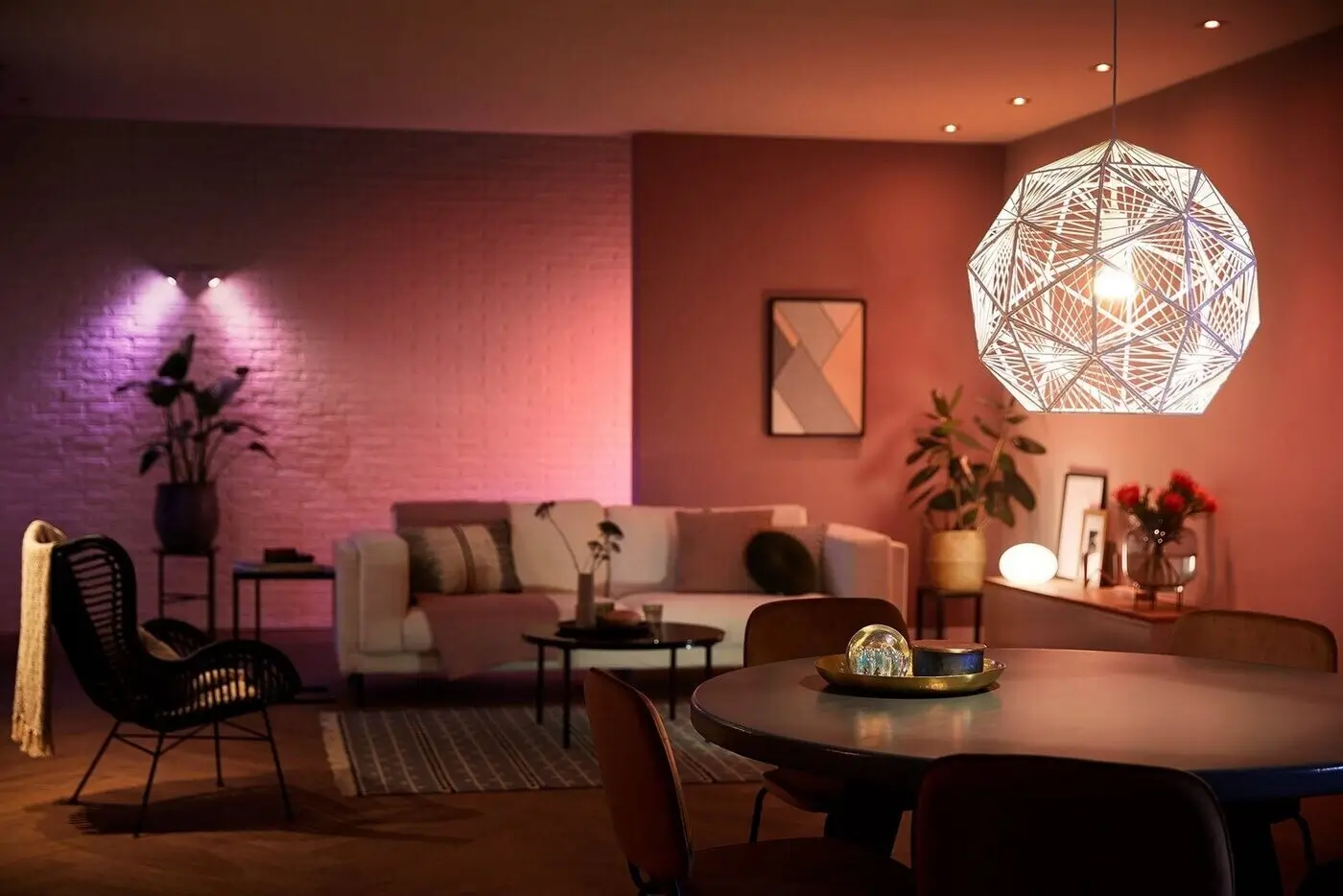
In the modern era of home automation, having a reliable and fast internet connection is crucial for the seamless integration of smart home devices. Starlink, known for its advanced satellite internet technology, offers an exceptional online experience that greatly enhances the functionality of sophisticated home lighting systems such as the Philips Hue White and Color Ambiance Starter Kit. This guide expands on that premise with a full product review, Starlink bandwidth and latency considerations, a step-by-step setup guide, compatibility notes, and best practices — plus how InstallPros can help you get everything installed and running quickly.
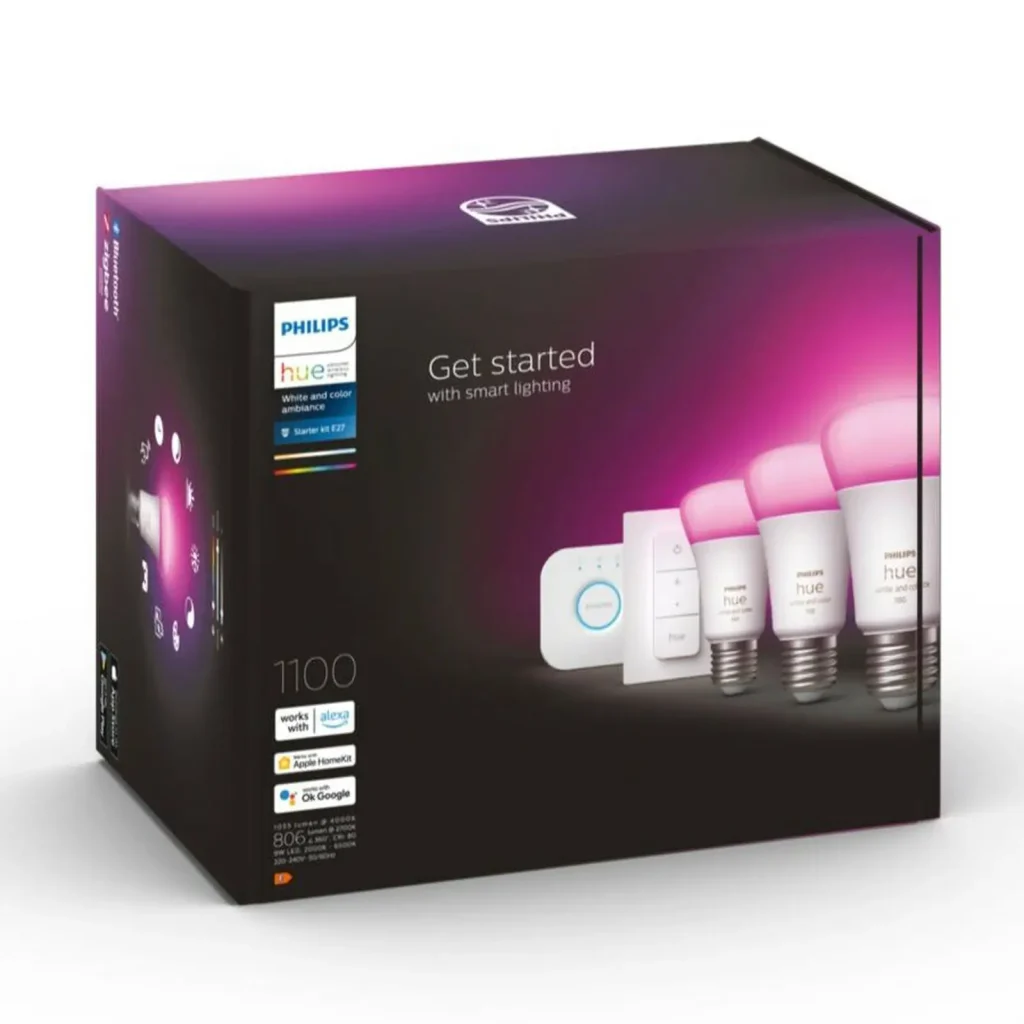
Overview of Philips Hue White and Color Ambiance Starter Kit
Rich Color Palette and High Flexibility
The Philips Hue Starter Kit ships with three color-capable LED bulbs and a Hue Bridge. The Bridge supports up to 50 lights and a variety of Hue accessories. Bulbs provide millions of colors and a wide range of white temperature options, enabling highly granular control over lighting ambiance for living rooms, bedrooms, kitchens, and home theaters.
Smart Control, At Home and Away
Control is available through the Philips Hue mobile app, and remote access is supported via cloud services — so you can manage lights from anywhere. Voice assistant compatibility includes Amazon Alexa, Google Assistant, and Apple HomeKit. The Bridge enables local network control (faster, more reliable) while the cloud path adds remote and voice integrations.
Mood Setting, Scenes, and Schedules
Hue’s scene creation, routines, and automation tools let you build wake-up schedules, evening wind-down settings, and scene-based room presets for movie nights or parties. Integration with other smart home systems enables synchronized events across devices (locks, speakers, thermostats).
Energy Efficiency and Longevity
Hue bulbs are energy-efficient LEDs with long rated lifespans. They consume less power than equivalent incandescent bulbs while delivering consistent brightness and color over time.
Full Product Review — What You Get and What to Expect
The Philips Hue White and Color Ambiance Starter Kit is aimed at consumers who want full-featured smart lighting with robust ecosystem support. Here’s what stands out:
- Hardware quality: Bulbs are well-built with consistent color reproduction and dimming performance. The Hue Bridge is compact and reliable.
- Ease of use: Setup is straightforward when the Bridge is connected to a stable router. The app walks you through bulb discovery, room assignment, and scene setup.
- Expandability: With support for up to 50 lights and multiple accessories, you can start small and scale over time.
- Local control capability: The Bridge enables many automations to run locally, reducing dependence on internet uptime for routine schedules.
- Third-party integrations: Excellent compatibility with popular smart home platforms; many third-party Zigbee bulbs and accessories can interoperate with the Bridge.
Limitations to be aware of:
- Price: Hue bulbs are more expensive than many generic smart bulbs, but you get superior app support, firmware updates, and ecosystem longevity.
- Bridge required for full features: Bluetooth-only bulbs offer quick, local control for a few lights, but the full experience requires the Bridge and an always-on LAN connection.
The Impact of Starlink Internet on Philips Hue
Consistent Connectivity for Uninterrupted Control
Starlink’s LEO satellite network provides significantly lower latency than traditional satellite services and solid download/upload speeds. For Philips Hue, this translates to reliable responsiveness for cloud-dependent features such as remote access and voice assistant control. In real-world use, Starlink’s typical latencies of roughly 20–50 ms and bandwidth in the order of 50–300+ Mbps are more than sufficient for smart home lighting.
Enhanced Synchronization with Smart Home Ecosystems
A stable internet connection helps Hue coordinate with cloud services and third-party apps. If you run complex automations that trigger off cloud events (IFTTT, webhooks, streaming-sync apps), Starlink’s stable throughput and low jitter help keep those integrations responsive.
Remote Management and Access
Remote control of lights and voice commands routed through cloud assistants (Alexa, Google) require internet connectivity. Starlink enables dependable remote access even in areas with poor terrestrial broadband options, making it ideal for rural homes, vacation properties, or remote work sites.
Starlink Bandwidth and Latency Requirements for Smart Lighting
Philips Hue lighting itself is not bandwidth-intensive; control messages are tiny. What matters more is latency and reliability for a responsive experience and for other devices that might share your network. Key points:
- Bandwidth: Hue bulbs require negligible bandwidth. Starlink’s available bandwidth is usually far more than required. Only consider bandwidth when you add high-bandwidth devices (video streaming, security cameras, multi-user gaming) to the same connection.
- Latency: Starlink latency typically ranges from 20–50 ms. This is excellent for voice commands and remote control. Occasional spikes may occur during network handoffs or adverse weather.
- Jitter: Occasional jitter can cause temporary delays for cloud-dependent features. Ensure critical automations are configured locally on the Hue Bridge where possible.
- Network topology: For best results, connect the Hue Bridge to your router with Ethernet. If using Starlink’s router, enable Bypass Mode (if you prefer your own router) to avoid double NAT and ensure clean LAN behavior.
Step-by-Step Setup Guide: Starlink + Philips Hue
Follow these steps to integrate Philips Hue lighting with a Starlink internet connection for the most reliable performance:
- Step 1 — Set up Starlink: Assemble and mount the Starlink dish per the instructions, and complete the initial activation with the Starlink app. Confirm internet access and note whether you are using the Starlink router or a third-party router.
- Step 2 — Choose router mode: If using your own router, enable Starlink’s Bypass Mode (sometimes called Bridge Mode) to avoid double NAT and allow the router to manage your LAN. If using the Starlink router, ensure your LAN devices can communicate without wireless isolation.
- Step 3 — Connect the Hue Bridge: Use an Ethernet cable to connect the Hue Bridge directly to your router/switch. Power on the Bridge and wait for the LED to indicate it is ready.
- Step 4 — Install bulbs: Screw in the Hue bulbs and power the fixtures. Give the bulbs time to boot (they typically flash briefly).
- Step 5 — Configure using the Hue app: Open the Philips Hue app, follow on-screen prompts to discover the Bridge and bulbs, update firmware if prompted, and create rooms and zones.
- Step 6 — Integrate voice assistants: Link your Hue account to Alexa, Google, or HomeKit for voice control. Follow each platform’s linking flow in the respective apps.
- Step 7 — Create automations and local backup: Define schedules and routines in the Hue app. For mission-critical automations (schedules, scenes), prefer the Bridge’s local automations so they continue to run if internet connectivity is interrupted.
- Step 8 — Test remote access: From a separate network (cellular data), test remote control and voice commands to confirm Starlink and cloud integrations are working correctly.
Compatibility Notes and Best Practices
Understanding compatibility will help avoid common pitfalls:
- Zigbee vs Wi‑Fi: Philips Hue bulbs communicate via Zigbee to the Hue Bridge, not over Wi‑Fi. Only the Hue Bridge needs to be on your home network. This means bulbs can remain responsive even if Wi‑Fi coverage is limited, provided the Zigbee mesh is intact.
- Third‑party devices: Many Zigbee bulbs, sensors, and switches from other brands can join the Hue Bridge, but functionality may vary. Always test third-party devices before large deployments.
- Mesh planning: For large homes, place additional Hue bulbs or dedicated Zigbee repeaters strategically to strengthen the mesh. The Bridge should be centrally located for optimal coverage.
- Router settings: Use static DHCP assignments for the Hue Bridge to ensure stable behavior. Disable AP isolation and ensure local LAN traffic between mobile devices and the Bridge is permitted.
- Offline resilience: Configure essential routines locally on the Bridge. Remote-only automations will fail if internet goes down until Starlink reconnects.
Troubleshooting and Optimization
Common issues and fixes:
- Bulbs not discovered: Power-cycle the bulb, ensure the Bridge is on the same LAN, and move the Bridge closer for initial pairing.
- Delayed response: Check for Starlink latency spikes; move automations to local Bridge-based schedules if needed.
- Double NAT or remote access issues: Enable Starlink Bypass Mode or place the Starlink router into bypass if you want your own router to control NAT and firewall rules.
- Interference: Zigbee runs on 2.4 GHz; minimize interference from Wi‑Fi channels and other 2.4 GHz devices if you experience connectivity drops.
Pricing and Availability
The Philips Hue White and Color Ambiance Starter Kit typically retails between $180–$200 depending on promotions and retailer. Starlink’s standard residential plan pricing often starts at around $110 per month, with hardware included in the package price at purchase; pricing and hardware options can vary over time and by service tier. When budgeting, include potential costs for additional bulbs, accessories, and professional installation if you prefer expert setup.
Why Choose InstallPros?
InstallPros.io is the #1 Starlink installer in the USA, specializing in a wide range of installations: residential, enterprise, fleet, and remote site deployments. Our technicians are certified and experienced with both Starlink and smart home ecosystems like Philips Hue. We offer:
- Same‑week scheduling: Fast response and flexible booking to get your network and lighting systems operational quickly.
- Residential installs: Full home planning, Starlink dish placement, router configuration, and smart lighting integration.
- Enterprise deployments: Scalable network design for commercial buildings, ensuring reliable connectivity for extensive IoT deployments.
- Fleet and remote sites: Outdoor and mobile Starlink installations for vehicles, RVs, boats, and remote monitoring outposts.
- End-to-end integration: Network optimization, Bridge placement, Zigbee mesh design, voice assistant linking, and automation tuning for robust local and remote operations.
Need professional help? Contact InstallPros.io to schedule an assessment and same-week installation to get your Starlink and Philips Hue systems integrated seamlessly.
Conclusion
Pairing Starlink with the Philips Hue White and Color Ambiance Starter Kit delivers a powerful smart lighting experience, especially for properties without reliable terrestrial broadband. Starlink’s low latency and solid bandwidth make remote control, voice assistant integration, and cloud-based automations responsive and dependable. By following the setup guidance above and applying best practices for network and Zigbee planning, you can build a resilient, expandable smart lighting system. For a worry-free installation and optimized configuration, InstallPros.io offers expert services for residential, enterprise, fleet, and remote site deployments with same-week scheduling.
FAQ
Do Philips Hue lights work without the internet?
Yes. Basic control, schedules, and scene triggers configured on the Hue Bridge can run locally without internet access. Remote control, cloud-based voice commands, and integrations that rely on external services will not function until internet connectivity is restored.
Will Starlink cause delays or issues with my Hue setup?
Generally no. Starlink’s latency and bandwidth are well within acceptable ranges for smart lighting. Occasional latency spikes can occur during handoffs or severe weather. To mitigate this, keep critical automations local on the Hue Bridge and ensure the Bridge is wired to your router for stable LAN performance.
Can I use my own router with Starlink and still run Hue?
Yes. If you prefer your own router, enable Starlink’s Bypass Mode to avoid double NAT and allow your router to handle LAN traffic. Connect the Hue Bridge to your router via Ethernet for best results.
How many Hue bulbs can I add to my system?
The Hue Bridge supports up to 50 lights and multiple accessories. For larger setups, consider using multiple Bridges or architecting the deployment with careful Zigbee mesh planning.
Should I hire a professional to install Starlink and Hue?
If you want optimal dish placement, seamless router configuration, and a robust Zigbee mesh for large or complex homes, a professional installer like InstallPros.io can save time and prevent common pitfalls. InstallPros offers same-week scheduling and expertise across residential, enterprise, fleet, and remote site installations.