Starlink and Home Automation: Enhancing Outdoor Security with Ring Floodlight Cam Wired Pro
May 3, 2024 · 2 min read
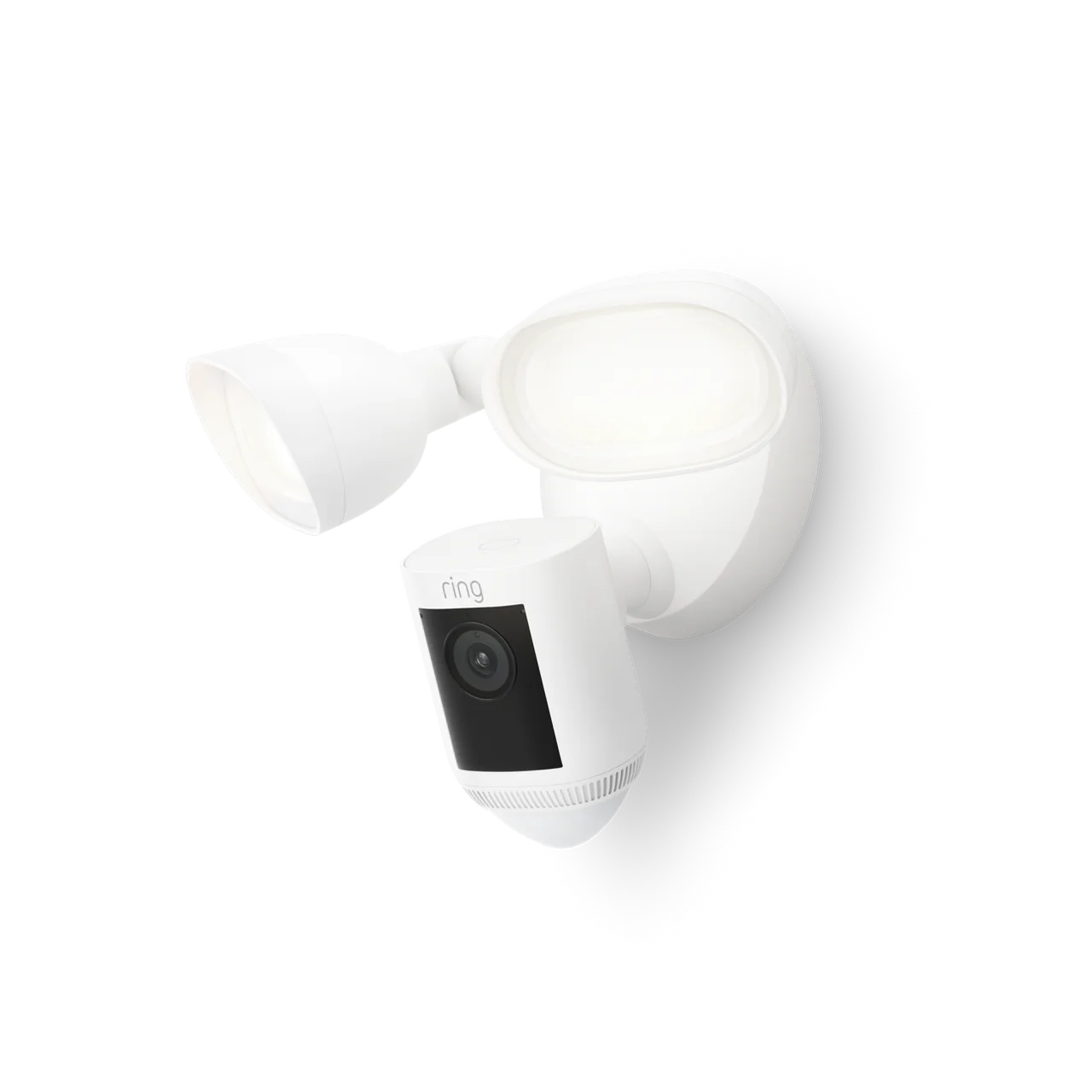
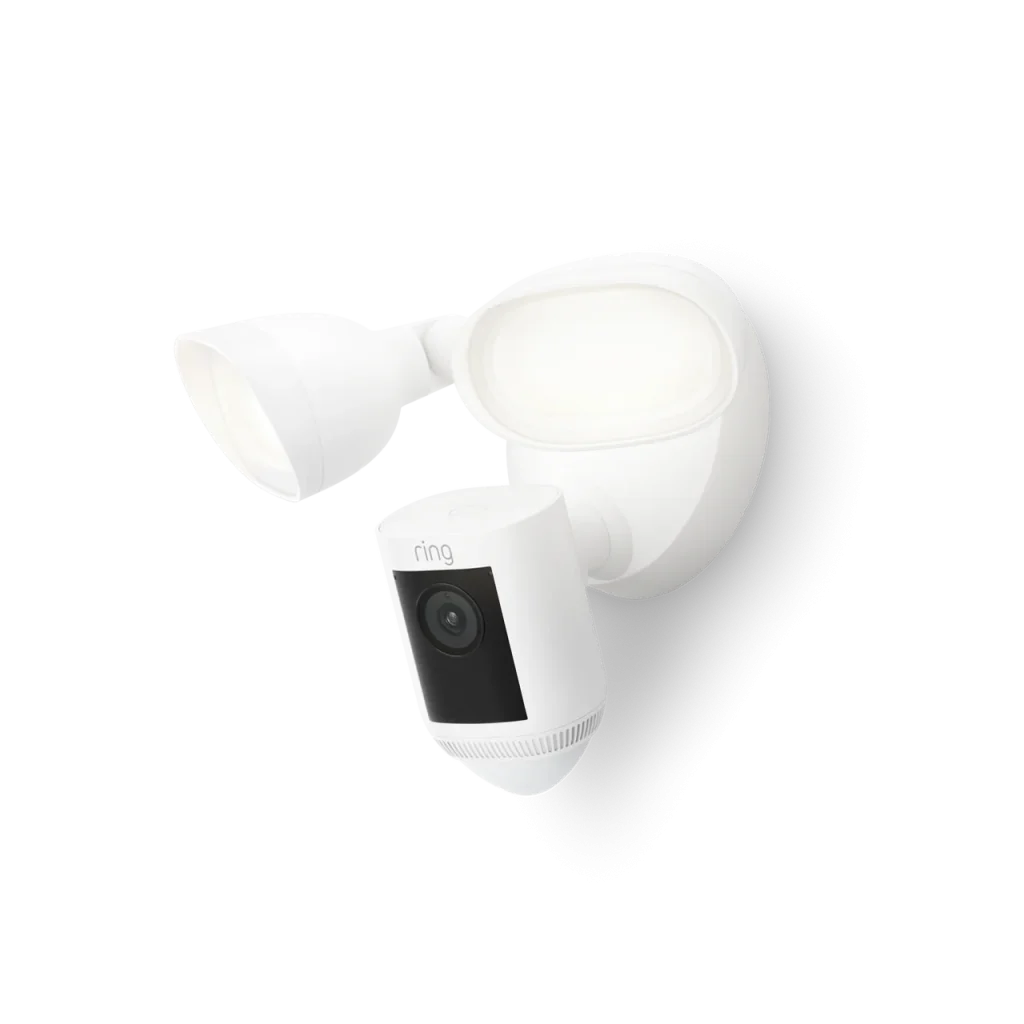
Overview of Ring Floodlight Cam Wired Pro
Advanced Video and Motion Detection Features
The Ring Floodlight Cam Wired Pro is equipped with HDR video technology and offers 1080p resolution, ensuring clear video quality both day and night. Its powerful LED floodlights enhance visibility, while the security siren adds an extra layer of protection. These features position the unit as a strong option for homeowners who want both deterrence lighting and high-quality imaging from one device.
Innovative 3D Motion Detection
One of the standout features of this camera is its 3D motion detection capability, which allows it to detect movement even at a distance. It includes an aerial view feature, providing a top-down perspective of the movement around the house, adding a new dimension to property surveillance. Properly configured, 3D detection reduces false positives from animals or passing vehicles and improves person detection accuracy.
Real-Time Alerts and Person Detection
The device sends real-time notifications whenever a person is detected on the property, ensuring homeowners can promptly identify who is at their home. Additionally, the Ring app allows users to save and share the video footage directly. To retain recorded clips, a Ring Protect subscription is typically required for cloud storage and review.
Detailed Notifications
With the Ring Floodlight Cam Wired Pro, homeowners receive detailed notifications with photo previews directly in the notification, allowing them to see what triggered an alert without having to open the app. These preview images help triage events quickly—particularly useful when you’re away from home or monitoring multiple cameras.
Design and Mounting
The device measures 21.7 cm x 32.6 cm x 20.2 cm and comes with a 12 cm diameter mounting base. It is available in both white and black, fitting various exterior decors and styles. Mounting options and wiring access are designed for typical home exterior junction boxes, though professional installation is recommended when integrating with existing lighting circuits or when running new conduit.
The Role of Starlink Internet in Enhancing Ring Floodlight Cam Wired Pro Capabilities
Consistent and Reliable Internet Connection
Starlink’s satellite internet provides the high-speed, low-latency connectivity required for the Ring Floodlight Cam Wired Pro to perform optimally. This connection ensures that video feeds are delivered in real-time and without interruption, which is crucial for monitoring and responding to outdoor activities. Starlink service typically offers substantially higher and more consistent throughput in rural and remote areas compared to legacy DSL or cellular backup links.
Enhanced Video Streaming Quality
With Starlink’s robust internet service, the high-definition video captured by the Ring Floodlight Cam Wired Pro can be streamed smoothly to any device. This is particularly important for maintaining clear visual monitoring and effective surveillance. Standard Starlink residential plans generally provide download speeds ranging broadly from 50–200+ Mbps and upload speeds commonly between 10–40 Mbps depending on location and network conditions, which is usually sufficient for multiple HD security cameras.
Uninterrupted Access to Security Features
The dependable internet from Starlink allows homeowners to access their camera’s features reliably, ensuring that motion alerts, live video feeds, and recorded footage are always accessible when needed. Low jitter and moderate latency make two-way talk and live monitoring more responsive, reducing delays when verifying events or issuing verbal warnings through the Ring speaker.
Full Security Camera Setup Guide: Planning to Go-Live
1. Site Assessment and Coverage Planning
Start by mapping the property and identifying high-value areas you want to cover: main entry points, driveway, garage, backyard, and side gates. Consider sightlines, typical lighting, and common motion triggers (trees, street traffic). Place floodlight cams at eave height or above porch ceilings to maximize field of view while keeping them out of reach.
2. Power and Wiring Considerations
The Ring Floodlight Cam Wired Pro is a wired device that integrates with existing exterior lighting circuits. Confirm the nearest power source and whether the location has GFCI-protected circuits. For new installs, run appropriately rated outdoor cable or conduit back to a junction box and ensure compliance with local electrical codes. Include surge protection on the circuit to protect sensitive electronics from transient spikes.
3. Network and Starlink Integration
Decide whether to connect the Ring device directly to your router via Ethernet (if available) or through Wi-Fi. If the Floodlight Cam will be far from your Starlink router, use an outdoor-rated PoE switch or Ethernet run to a compatible Wi-Fi access point or MoCA/Ethernet extender. For optimal reliability, a wired uplink to the Starlink network is preferred whenever possible.
4. Mounting and Physical Installation
Follow Ring’s mounting template for accurate drill points. Secure the mounting base to a solid substrate, run the wiring through the base and into the junction box, and attach the floodlight unit. Seal all exterior penetrations with appropriate caulk or silicone to prevent moisture intrusion.
5. Configuration and Calibration
Power the camera, add the device in the Ring app, and complete initial firmware updates. Calibrate motion zones and sensitivity using the 3D motion features—set detection distances and aerial view triggers to reduce false alerts. Adjust floodlight brightness and motion-activated schedules to balance visibility and neighborhood considerations.
6. Security Hardening
- Use strong, unique passwords and enable two-factor authentication on the Ring account.
- Segment your cameras onto a separate VLAN or guest network with firewall rules to limit exposure.
- Disable features you don’t need and keep firmware updated.
7. Testing and Handover
Conduct full-system testing: live view latency, motion event capture, notification delivery, two-way audio, and siren operation. If you have a Ring Protect plan, verify that recordings upload correctly. Provide homeowners with app training and recommended maintenance intervals.
Bandwidth Requirements for HD Streaming and Multiple Cameras
Understanding bandwidth needs is crucial when pairing Ring Floodlight Cams with Starlink. While exact bitrates vary with scene complexity and lighting, use the following practical guidelines for planning:
- Single Ring Floodlight Cam (1080p HDR): Expect average upload usage of approximately 3–6 Mbps during active recording or live view. Peak bursts can be higher during high-motion events or HDR transitions.
- Simultaneous Live Viewing: Each additional simultaneous viewer increases the required upload bandwidth. If two people are streaming the same camera live, plan for an additional 3–6 Mbps per viewer.
- Multiple Cameras: Multiply the per-camera estimate by the number of cameras and add headroom for other household internet uses. For example, 4 cameras x 5 Mbps = 20 Mbps upload minimum recommended.
- Conservative Planning: Add a 25–50% buffer to account for bursts and other traffic. So for a 4-camera system, plan for 25–30 Mbps upload capacity.
If you are in a location where Starlink offers 10–40 Mbps upload, most residential systems with 1–4 Ring Floodlight Cams will perform well. For larger enterprise or multi-camera installations, consider Starlink Business or Starlink for RV/Portals options, or use hybrid connections (Starlink with cellular failover) to ensure redundancy and sufficient upload capacity.
Best Practices and Troubleshooting Tips
- Place the Starlink dish with an unobstructed view of the sky; trees or seasonal foliage can cause intermittent throughput drops that impact camera streaming.
- Use Quality of Service (QoS) rules on your router to prioritize camera traffic if you have heavy downstream household use.
- If motion events are missed or recordings appear choppy, check upload SNR and consider reducing camera video quality or limiting simultaneous streams.
- In off-grid or remote deployments, pair Starlink with a UPS and surge protector to maintain uptime during short power interruptions.
Pricing and Availability
The Ring Floodlight Cam Wired Pro is typically priced around $250 to $280, depending on the retailer and promotions available. It is sold through major electronics retailers, online platforms, and directly from Ring’s official website. To support the functionality of this camera, Starlink offers various internet service plans starting at about $110 per month, including the necessary equipment and installation costs. For larger-scale or mission-critical deployments, Starlink Business or dedicated service tiers may be appropriate; contact InstallPros for a tailored recommendation.
Why Choose InstallPros?
InstallPros.io is the #1 Starlink installer in the USA, specializing in fast, reliable deployments across residential, enterprise, fleet, and remote site installations. Our certified technicians provide end-to-end services: site surveys, professional wiring, Starlink dish placement, network segmentation, and camera system integration. We support same-week scheduling for most residential projects and offer scalable solutions for enterprise and fleet deployments. For remote or mission-critical sites, InstallPros implements redundancy and power solutions to keep your security system online even in challenging conditions.
Whether you need a single Ring Floodlight Cam integrated with Starlink at your home, a campus-wide security rollout, or fleet connectivity for mobile assets, InstallPros has the expertise and project experience to deliver a secure, high-performance solution. Contact InstallPros.io for a site assessment, custom quote, and fast scheduling.
Conclusion
Combining Starlink’s robust satellite internet with the Ring Floodlight Cam Wired Pro creates a powerful security solution for homes and remote properties. Proper planning—covering placement, power, network design, and bandwidth calculations—ensures reliable HD streaming, accurate motion detection, and timely notifications. For complex installs, multi-camera systems, or remote deployments, professional installation by a certified team like InstallPros minimizes risk and maximizes system performance.
Frequently Asked Questions
How much upload bandwidth does one Ring Floodlight Cam need?
Plan for approximately 3–6 Mbps upload per Ring Floodlight Cam streaming at 1080p HDR under typical conditions. During high-motion events or when multiple people view live video simultaneously, peak usage can be higher. Always add a buffer for other network traffic.
Can the Ring Floodlight Cam Wired Pro work reliably with Starlink?
Yes. Starlink provides sufficient throughput and latency characteristics for reliable live viewing, motion alerts, and cloud recording for most residential and small business setups. Ensure your dish has a clear sky view and consider wired backhaul or network optimization if cameras are far from the router.
Do I need a Ring Protect subscription to store video?
Yes. Ring is primarily a cloud-based platform; a Ring Protect subscription is generally required to retain recorded video clips and export footage. Without a subscription, you will still receive live alerts and live view access but will not have historical cloud recordings.
Can I record locally or integrate Ring cameras with my NVR?
Ring devices are designed for cloud recording and do not natively support RTSP or local NVR integration. For local recording, consider alternative cameras that offer RTSP or ONVIF compatibility. If cloud-based recording meets your needs, Ring Protect is the supported solution.
Can InstallPros handle both the Starlink install and the camera wiring?
Absolutely. InstallPros provides comprehensive installation services including Starlink dish placement, router and network configuration, camera wiring and mounting, electrical tie-ins, and system testing. We deliver a turnkey solution and can schedule most residential installs within the same week.